Visual Thinking for Your
Mac Menu Bar
Create beautiful mind maps with ease. Organize your thoughts, plan projects, and visualize ideas - all from your menu bar. Simple yet powerful.
Powerful Features, Simple Design
Quick Access
Launch instantly from your menu bar. No need to open a full application window - your ideas are always one click away.
Custom Colors
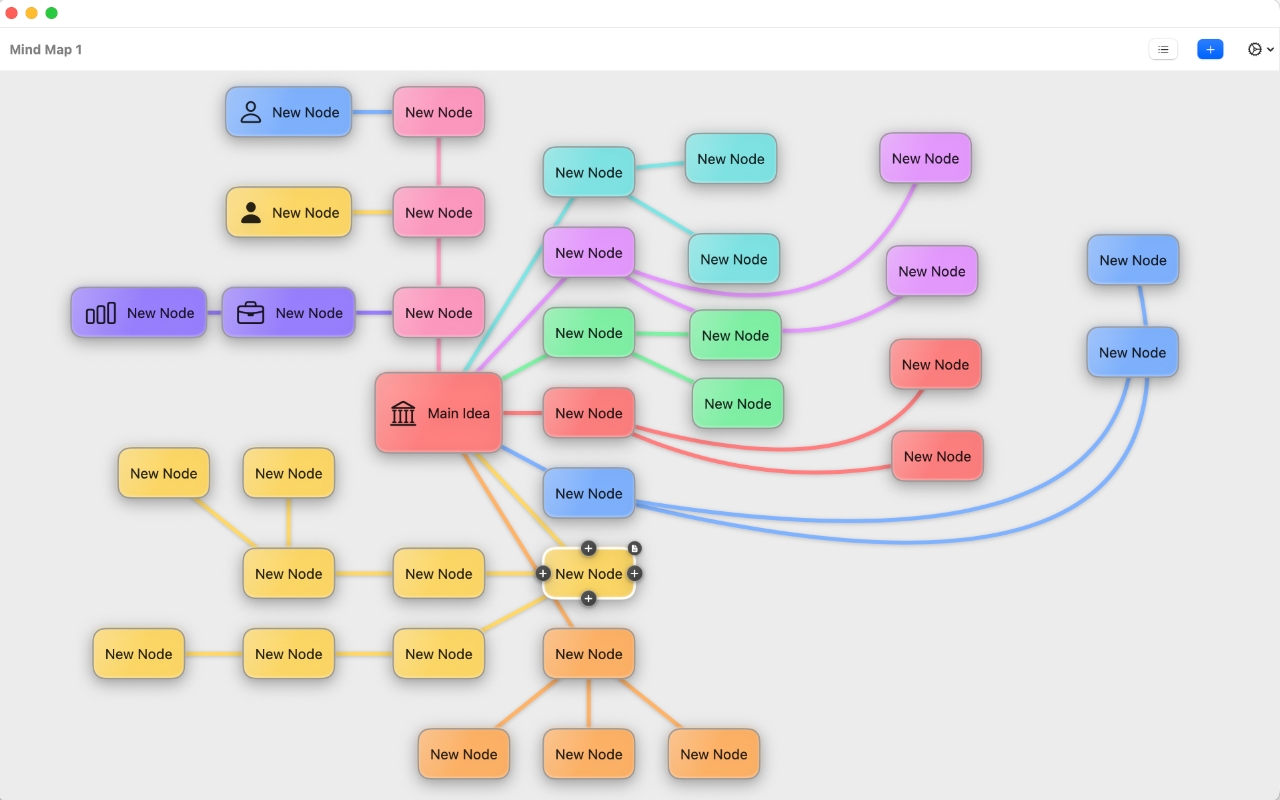
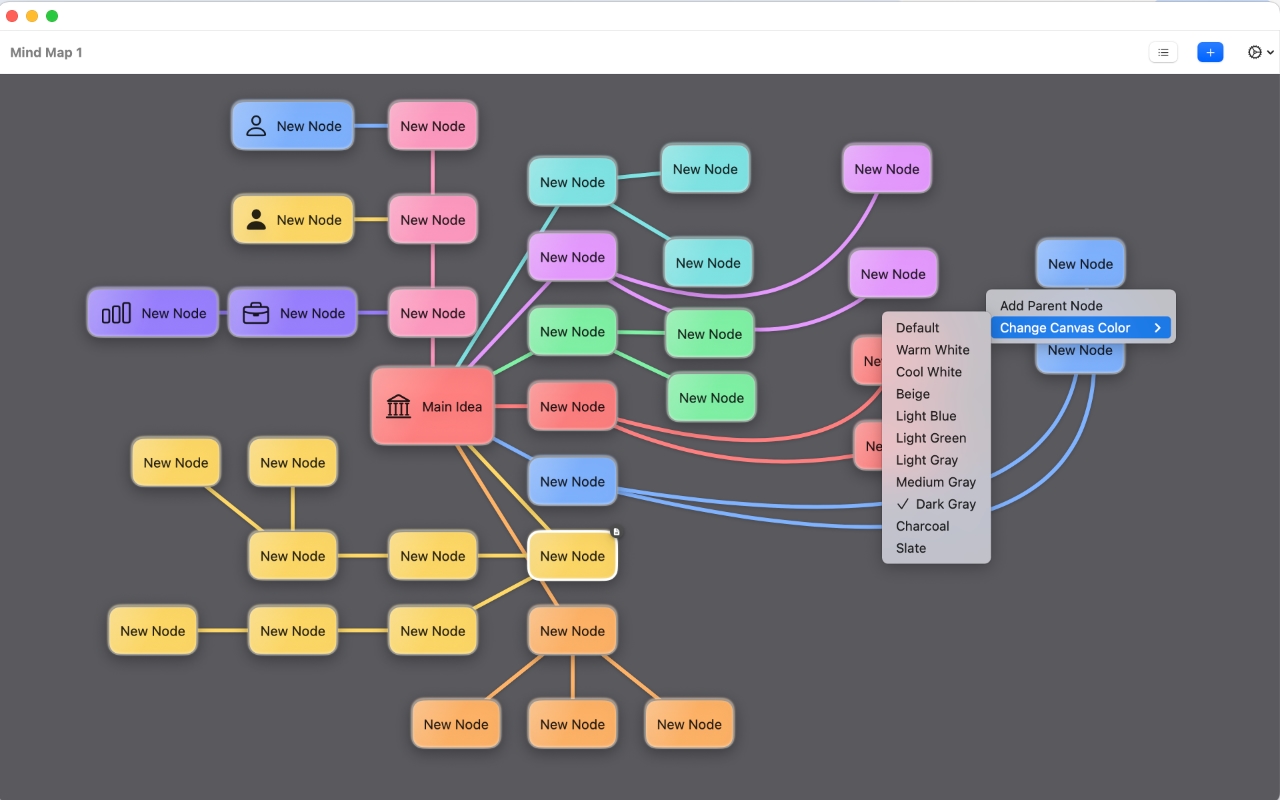
Choose from 12 beautiful branch colors and 11 canvas backgrounds. Make your mind maps visually distinctive and organized.
SF Symbols
Access 200 categorized SF Symbols to add visual context to your nodes. Make your ideas clearer with icons.
Rich Notes
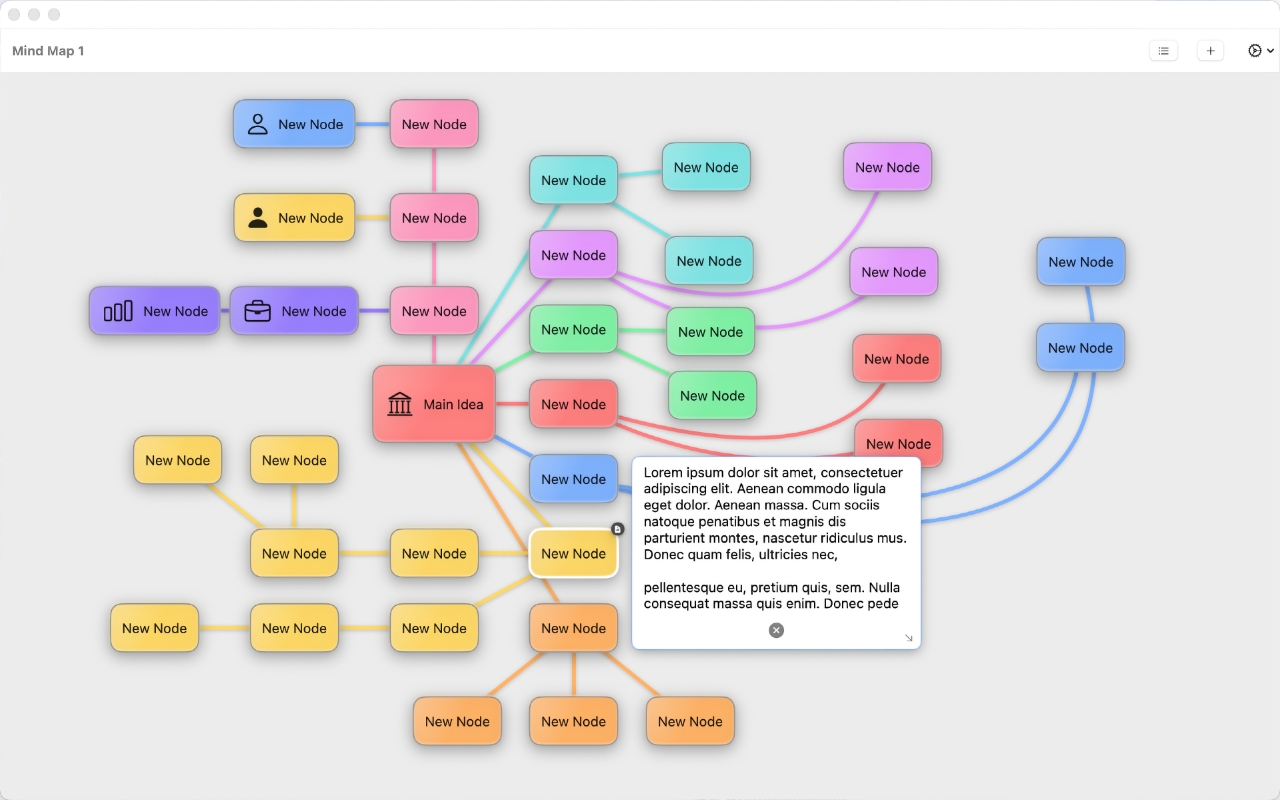
Add detailed notes to any node. Keep all your context and details organized right where you need them.
Curved Connections
Beautiful bezier curves with draggable control points. Create organic, flowing mind maps that are easy to follow.
Multiple Canvases
Create unlimited mind maps with tabbed navigation. Keep your projects organized and switch between them effortlessly.
Why Menu Mindmap?
Simple to Use
No complicated menus or overwhelming features. Start creating mind maps in seconds.
Powerful Features
Despite its simplicity, it packs all the features you need for professional mind mapping.
Beautiful Design
Glassmorphic nodes, smooth animations, and elegant design make mapping enjoyable.
Fully Customizable
Colors, icons, notes, and layouts - customize everything to match your thinking style.
Ready to Get Started?
Download Menu Mindmap for macOS and transform the way you organize your thoughts.

System Requirements
- macOS 13.0 or later
- Apple Silicon or Intel processor
- 50MB available storage
Your Privacy Matters
Local Storage
All your mind maps are stored locally on your Mac. Nothing is sent to the cloud.
No Tracking
We don't track your usage, collect analytics, or gather any personal information.
Complete Control
Your data is yours. Export, backup, and manage your mind maps however you want.